28.12.2024 09:51
5.418
Displayed
How to Connect an FTP Account in Plesk Panel?
- Click on File.
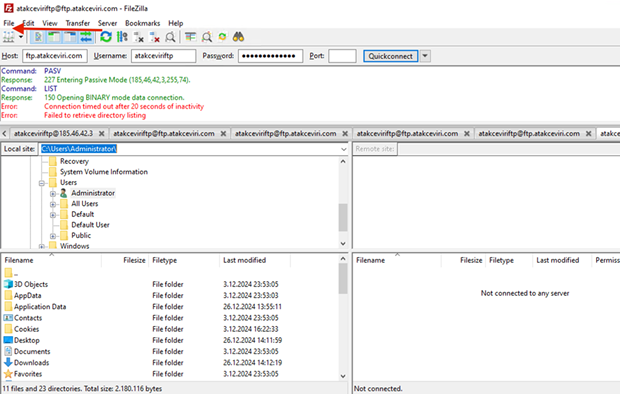
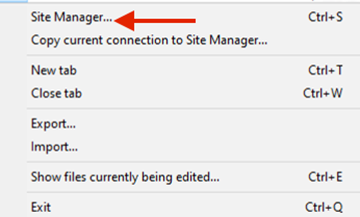
- Click on Site Manager.
- Click on New Site.
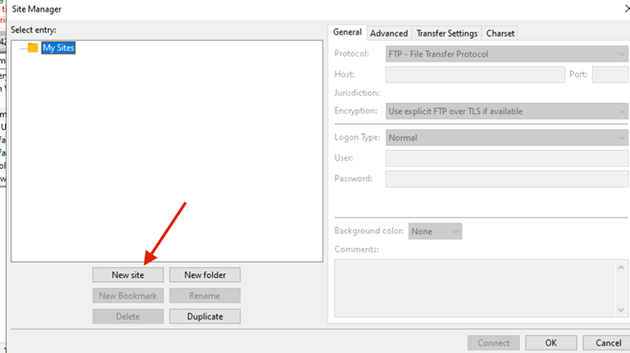
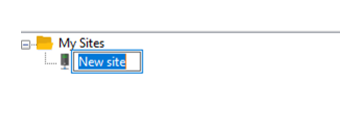
- Give a name to your connection.
- Host: Your server's IP address, for example: 185.46.42.3
Encryption: Select "Only Use Plain FTP (Insecure)"
Logon Type: Normal
User: Your FTP username
Password: Your FTP password
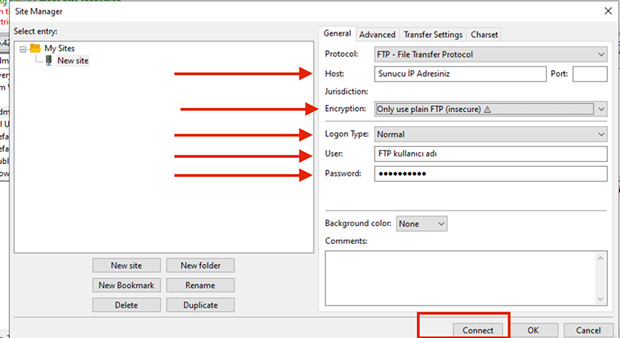
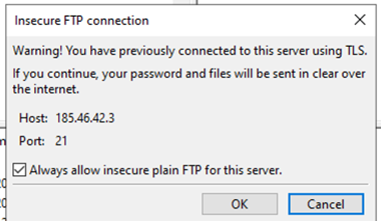
- Mark the option as shown in the image. You are now connected to FTP.
***This applies only to Windows-based hosting.